Staff hours, counted properly.
Your team clocks in and out on the same till they take orders on. Breaks, overtime and paid hours are worked out for you - no paper sheets, no spreadsheet at the end of the week.
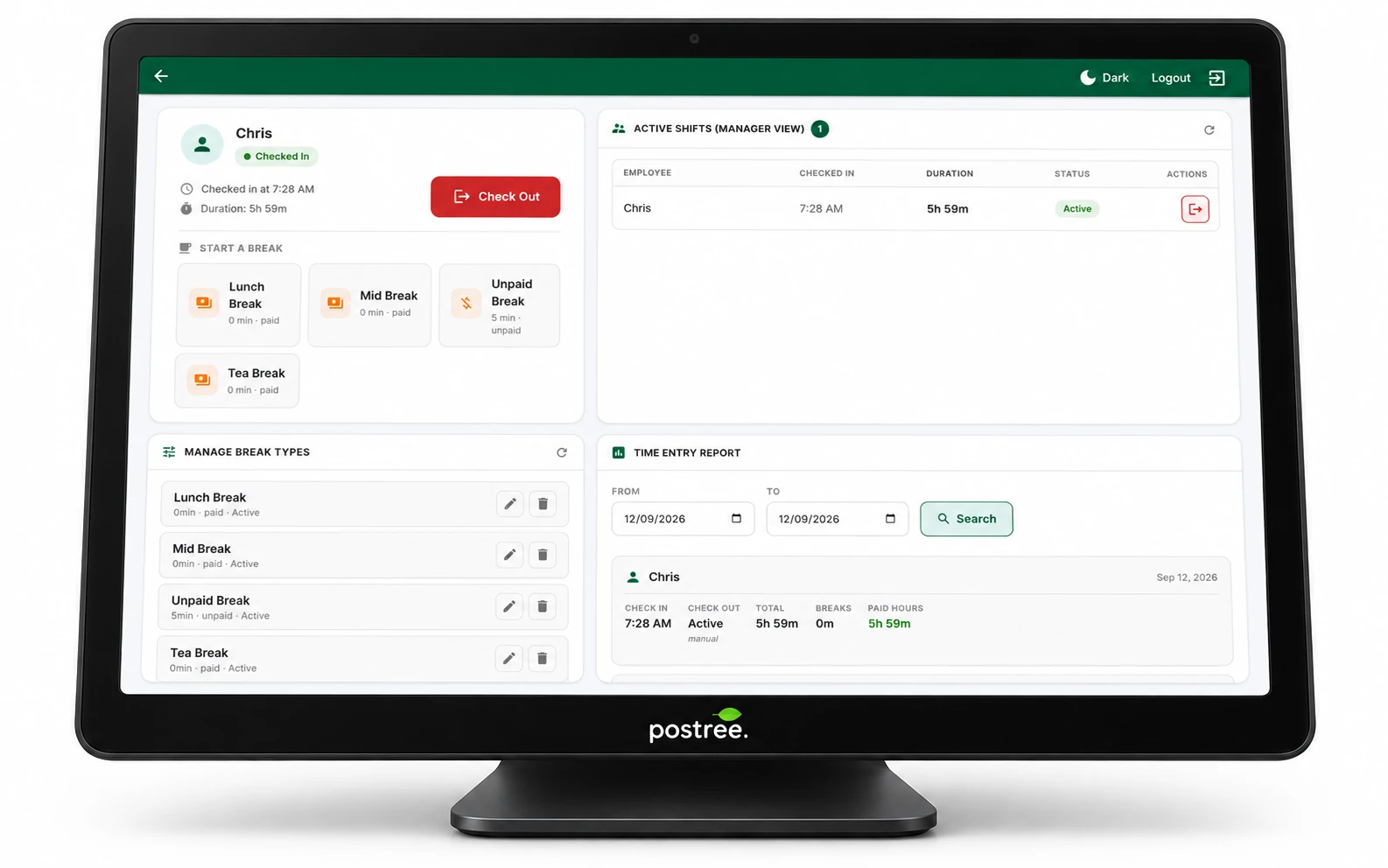
A full shift, in under a minute.
From check-in to check-out in under a minute - a full shift, a break, and the time entry that follows. Silent by design.
Why it matters.
Staff hours are usually the second biggest cost in a venue, and the least accurately recorded. A till that already knows who is on shift can count those hours exactly, with no extra hardware and nothing for anyone to remember.
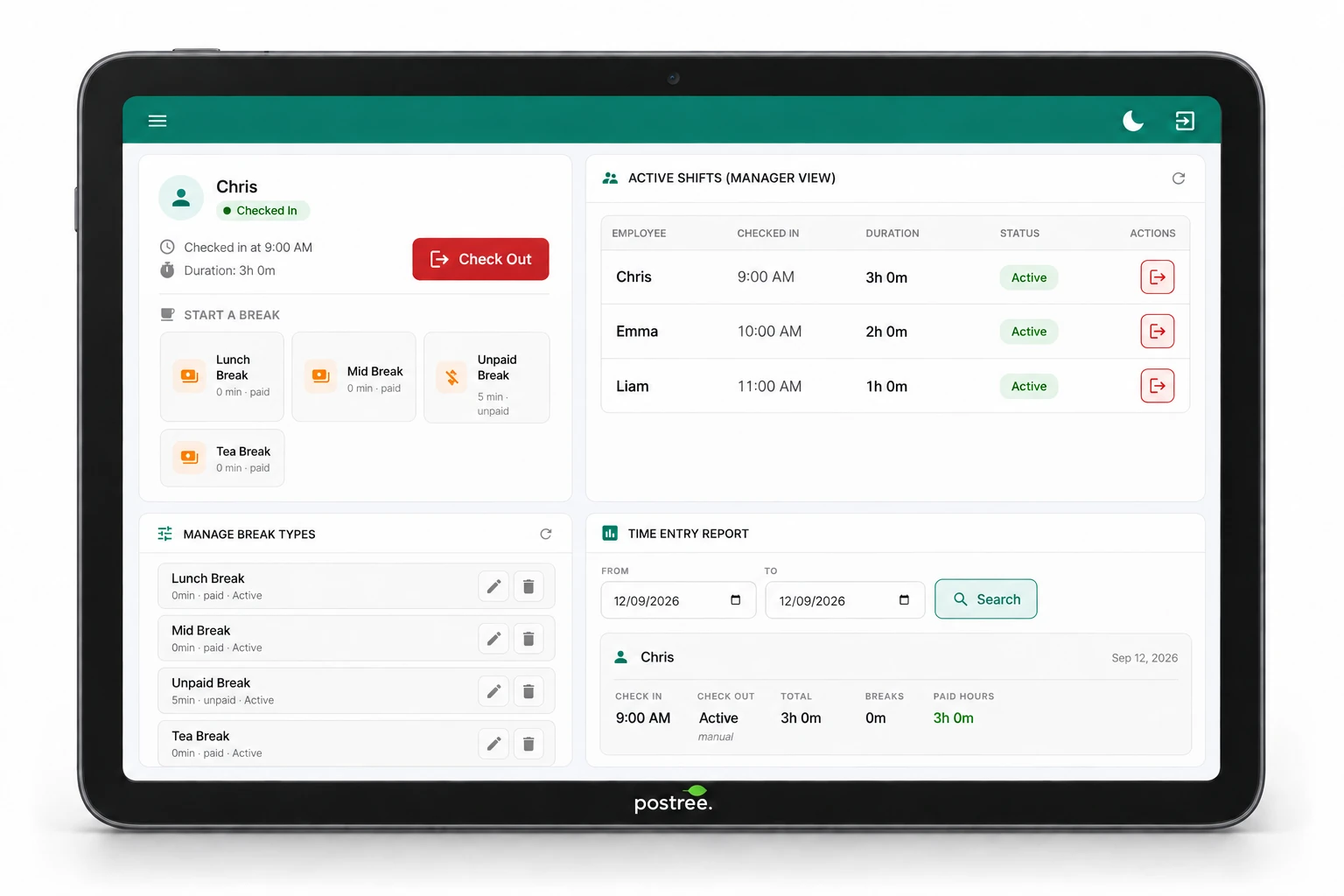
Built into the till you already use.
Clock in at the till
No app, no fob, no second device. Staff tap their name and they are on shift.
Breaks that follow your rules
Paid or unpaid, per break type. Set a minimum length and the till warns staff if a break is ended early. Short breaks are flagged in the report.
Live manager view
See who is on shift right now, how long they have been on, and who is on a break, at a glance.
Nothing left open
Any shift still running when the register closes is checked out automatically and flagged for review, rather than running overnight.
Correct across midnight and DST
Every event is stored in UTC and shown in your venue's timezone, so a late shift lands in the right trading day.
Check-in on login, optional
Require staff to clock in before they can take an order, or leave it entirely optional.
How it works.
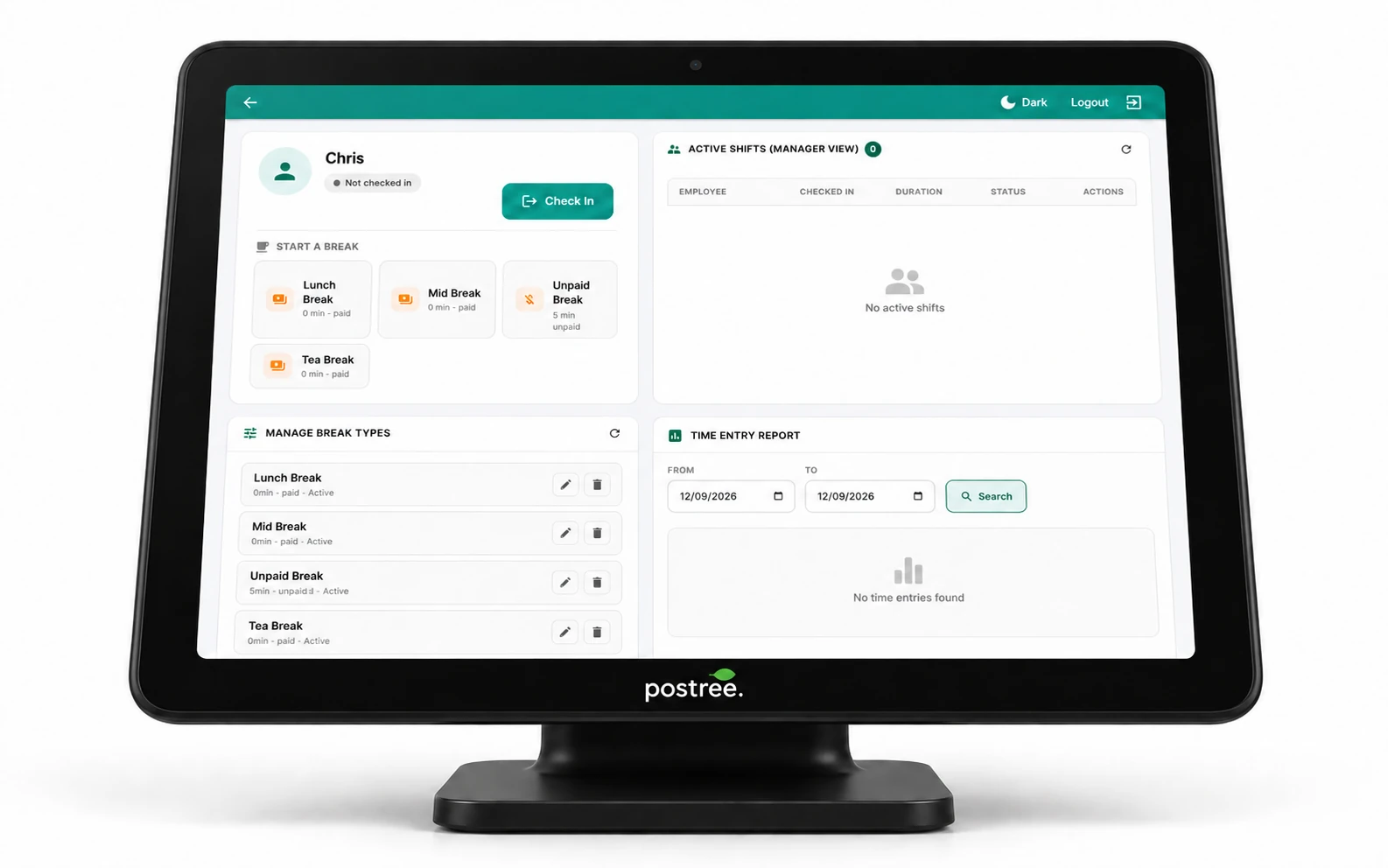
- Tap your name on the till and check in. The shift starts.
- Take a break. Pick the type; the till tracks it and warns if it is ended too early.
- Check out at the end of the shift, or let the register close do it for you.
- Run the report. Hours, breaks, paid time and overtime, ready to hand to payroll.
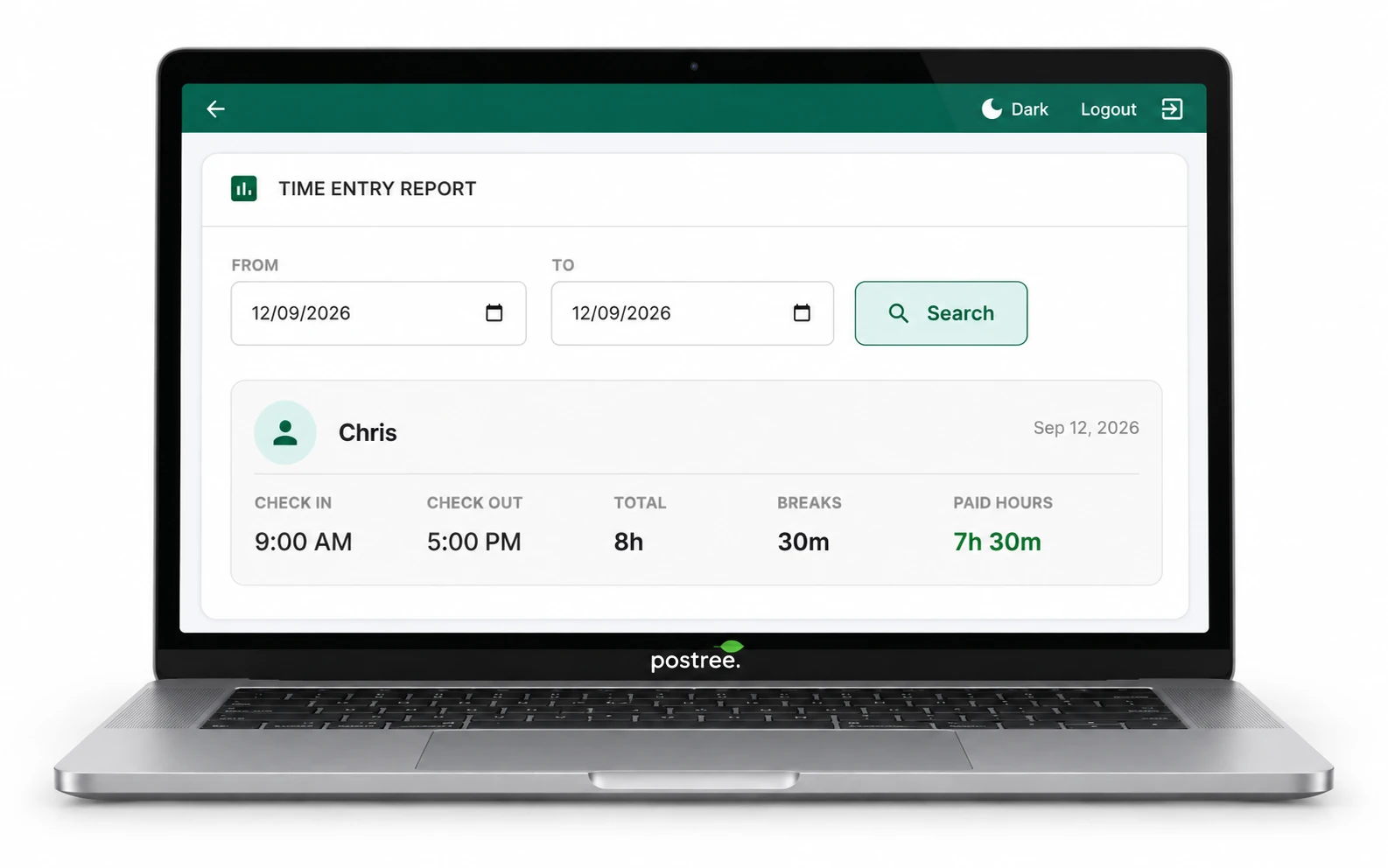
Payroll-ready, not payroll-shaped.
Every shift produces a time entry you can filter by date range and employee. The Time Entry report shows check-in, check-out, total time, break time and paid hours per person, with weekly totals and exceptions called out separately.
- Daily attendance and weekly totals by employee
- Paid versus unpaid break time, split by break type
- Overtime flagged per shift
- Exceptions surfaced: auto check-outs, breaks under minimum, manager force check-outs
- Export to CSV for your payroll provider
Frequently asked questions
Do staff need their own device or a fob?
No. They check in on the same POS terminal they use for orders.
Can I stop someone taking an order before clocking in?
Yes. Turn on forced check-in and the till asks them to clock in first.
What if someone forgets to check out?
Closing the register checks them out automatically and marks the entry as an exception, so you can correct it.
Can I set unpaid breaks?
Yes. Each break type is configured as paid or unpaid, with an optional minimum length. If a break is ended before the minimum, the till warns staff and the Time Entry report flags it.
Stop guessing at hours.
See the time clock running on a real till, with your own menu and your own team.
Book a 20-Minute Demo